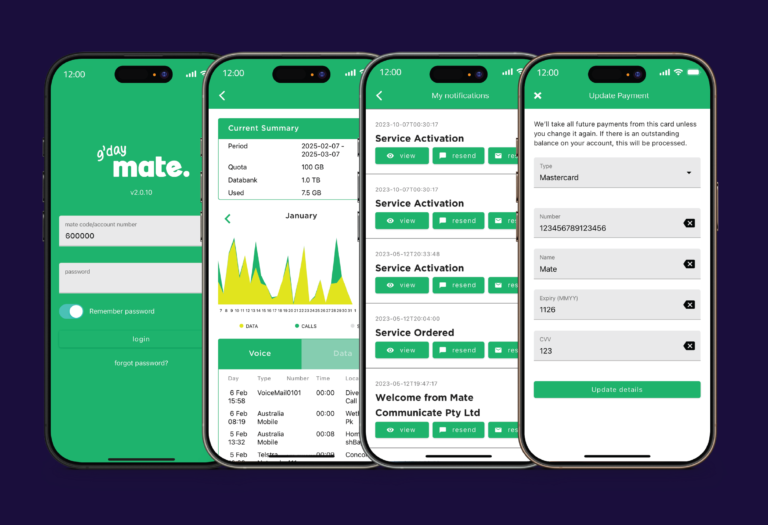
Our myMATE app in your pocket
Take control of your MATE account effortlessly
Download the myMATE app


Manage your payments

Manage your services
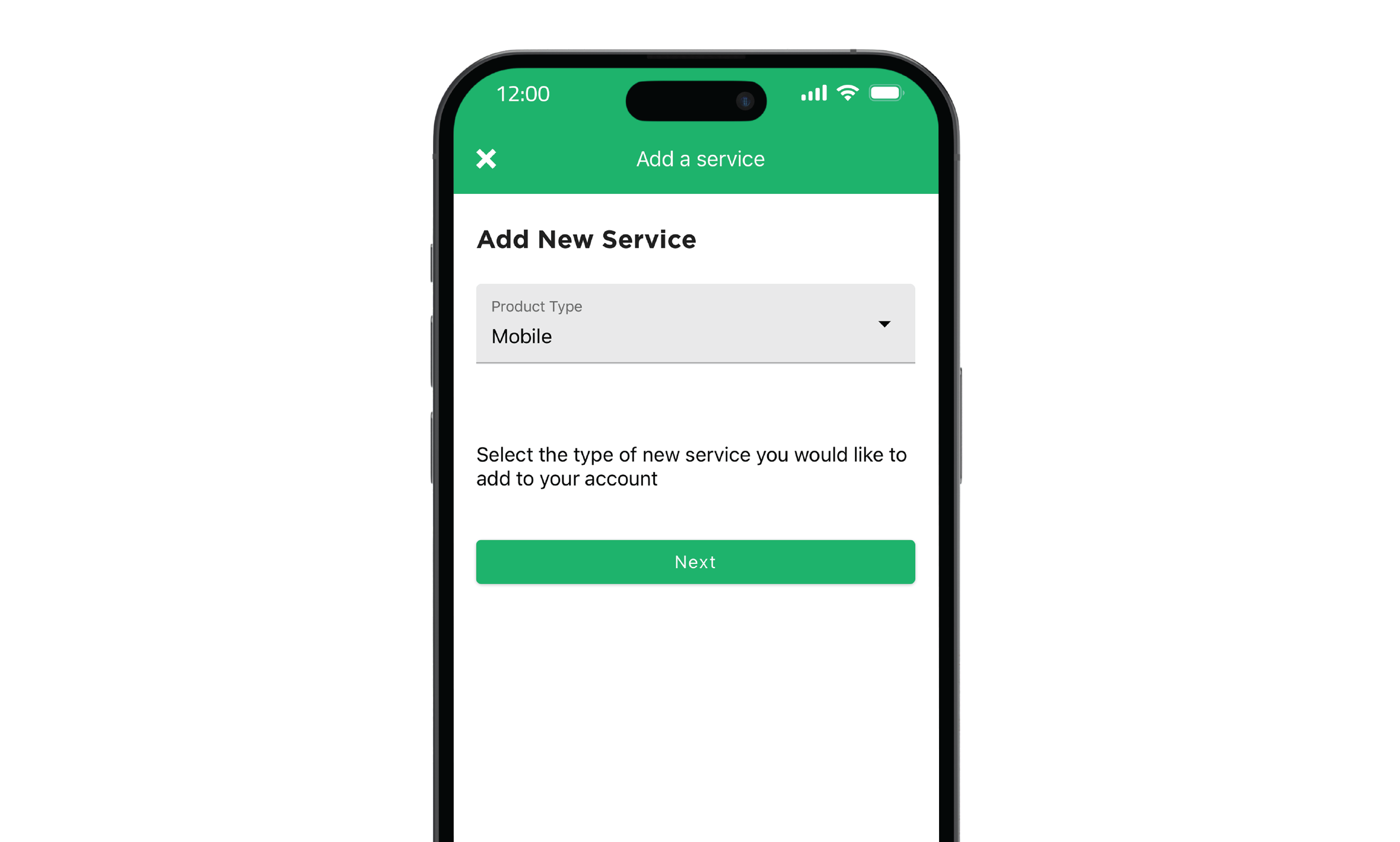
Need a new service?
Frequently asked questions
What can I do with the myMATE app?
How do I download the myMATE app?
Is the myMATE app free to use?
How do I log in to the myMATE app?
Can I activate my MATE mobile SIM using the myMATE app?
What is the bundle and save offer?
How do the "no lock-in contracts" work? Does this mean I can cancel anytime without penalties?
What our mates are saying about us 👇

New mate customer - Easy to transfer and set up, good price compared to others, great having an Australian based helpdesk
Paul S.

Very happy, highly recommend - Discounted price makes Mate the best value for NBN. Sales team were friendly and helpful with arranging connection. Early days but no issues with the connection and seemed to work fine while 3 of were connected, two gaming and one watching sports.
T Smith
Great service as usual - FTTP installed very quickly which was great. I have had no issues with the connection, no drop outs. Seems to be very reliable.
Barbara L.
Great Product, Best Price, Good Service - This is my first NBN fibre experience. I've never been able to afford fixed WIFI before. MATE's great prices have made it possible, and I'm loving it. I'm on the lowest speed and plan (bundled with my mobile) because I'm solo resident, and it's excellent. Great prices, reasonable service (wish they had more tech phone staff and quicker hold times), friendly staff, and the product is really quite great. Thanks MATE.
Victoria
Why choose MATE?

Unlimited data on all internet plans

100% Australian support

No lock-in contracts



