Need to update your payment details? Easy, you can do it in a few different ways.
⚠️ Heads up: If you pay by direct debit from a bank account, changing to a card is permanent. Bank account direct debit isn’t available to new customers and isn’t something you can switch to, so you won’t be able to switch back. Get in touch if you’re not sure what you’re on.
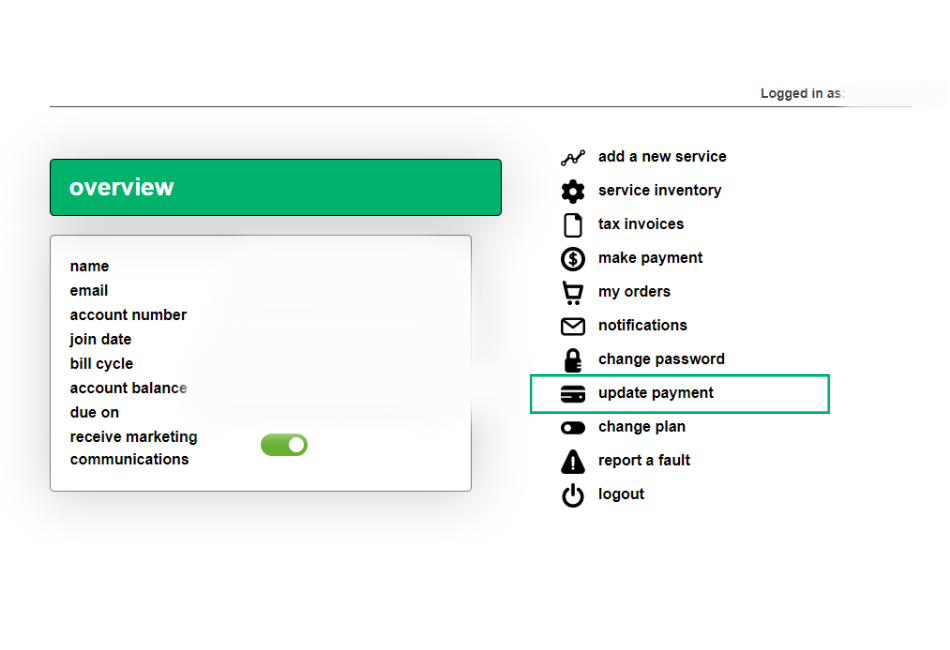
💻 Self-care portal (best on desktop)
Log in to the self-care portal, click update payment and follow the prompts.
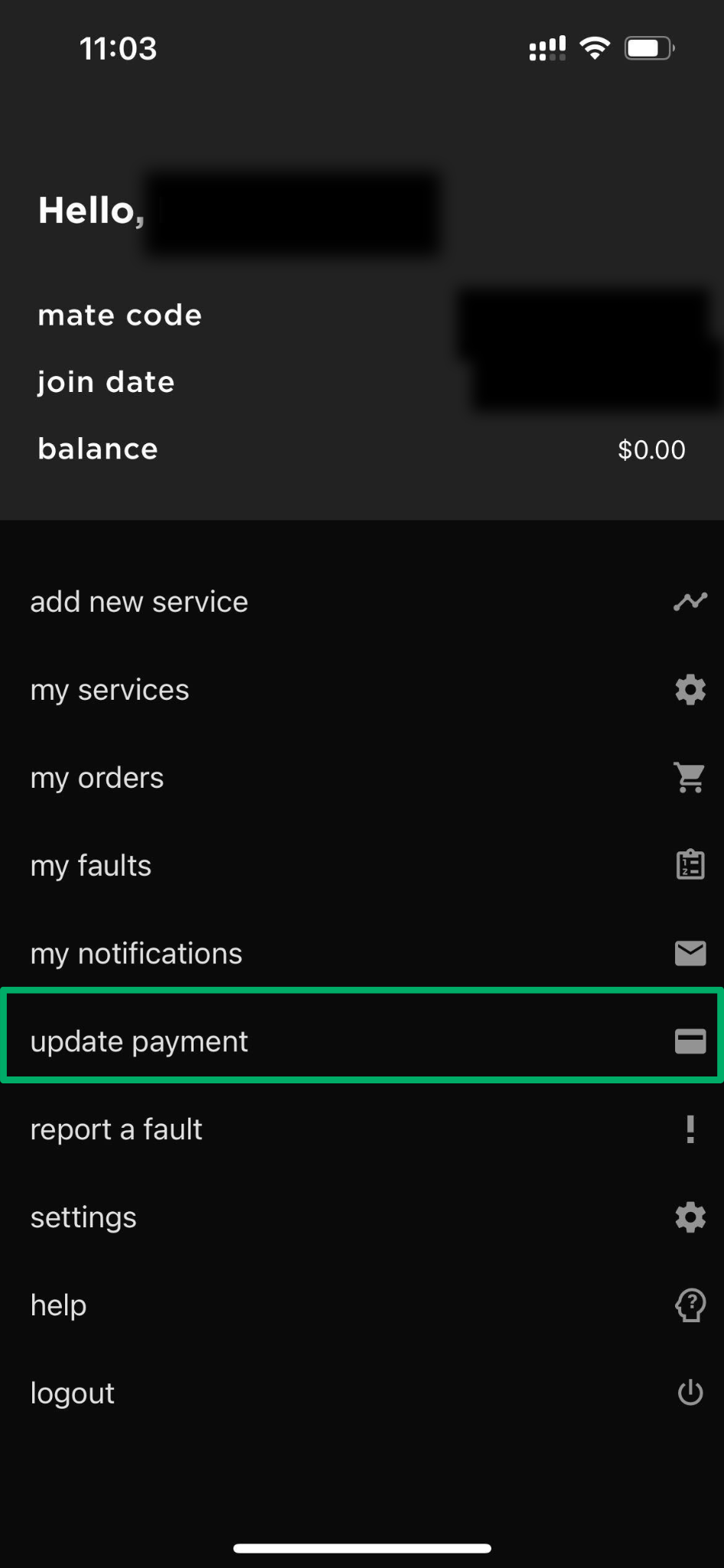
📱 myMATE app (best on mobile)
Open the myMATE app and tap update payment to make changes quickly.
📞 By phone
Call 13 14 13 and follow the prompts to update your card details securely.
ℹ️ More information: For all accepted payment methods, see what are your payment methods.
💬 Need help? Having trouble updating your details? Our Aussie-based support team is happy to help. Get in touch with us here.


