The 6 best mesh Wi-Fi systems for nbn in 2026 (Australia)
Mobile Phone & Internet Blog | MATE | 16 November 2026
What is a mesh Wi-Fi system (and why should you get one)?
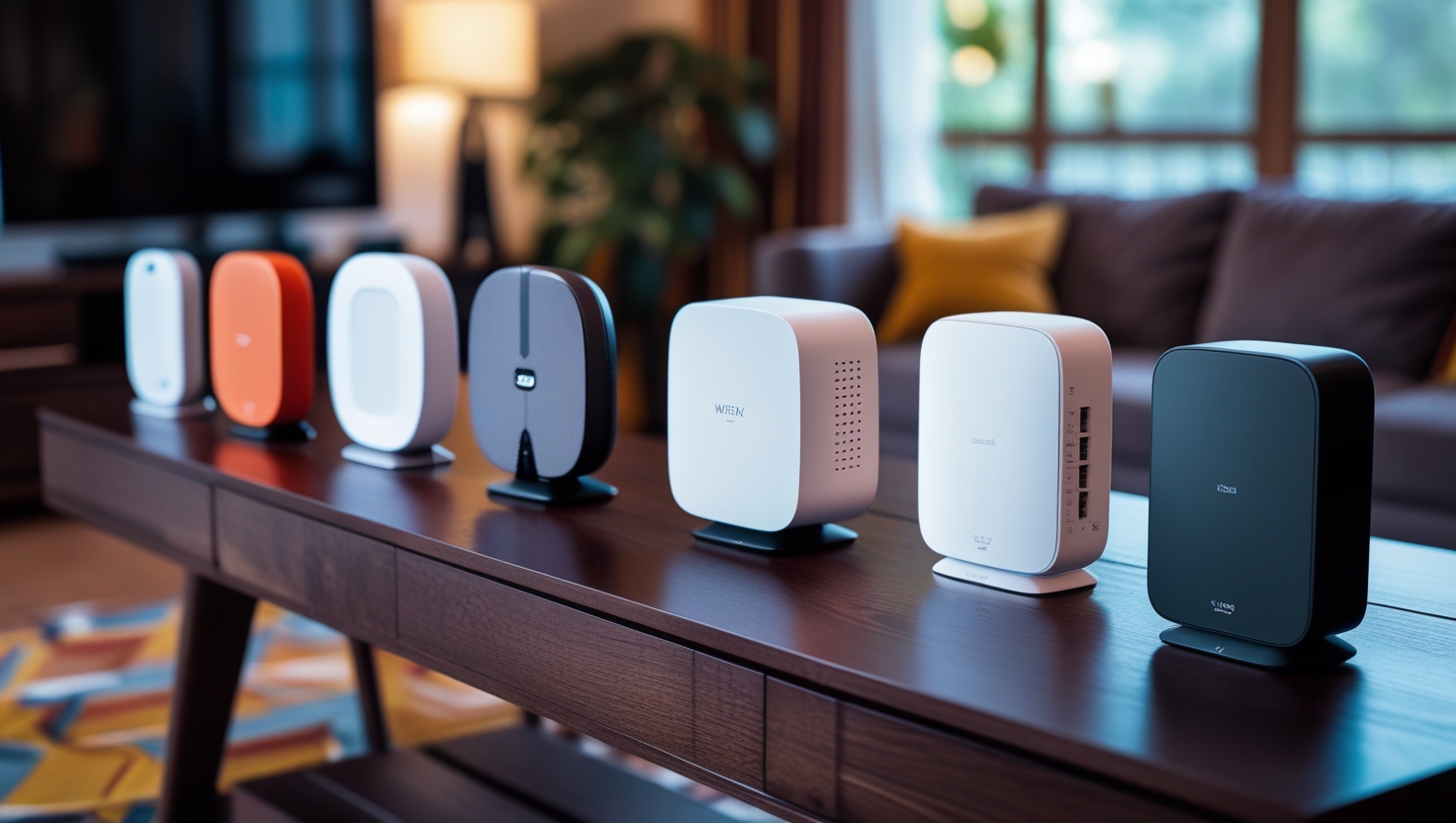
A mesh Wi-Fi system uses a main router plus one or more “nodes” to spread a single network across your home. Your devices hop to the closest node automatically, so dead zones and buffering on movie night become a thing of the past. If you’re looking for the best mesh Wi-Fi for nbn in 2026, this guide covers six systems worth a look, what they cost and which nbn plans they suit.
Mesh is especially handy in multi-storey homes, long floorplans and places with signal-blocking walls. nbn Co recommends getting your router placement right first and, in larger homes, adding extra Wi-Fi points. Mesh makes that easy.
Why upgrade to mesh?
- Reliable coverage in every room and out the back
- Better speeds when lots of devices are online at once
- Simple app setup and parental controls on most systems
- Wi-Fi 7 support on newer models, so your network is ready for the devices you’ll buy next
Not sure you need mesh at all? A small unit or apartment is often fine with a single good router. If your current modem is the weak link, start with our guide to the best nbn modems, or see which modems work with MATE.
Which mesh system suits your nbn plan?
A mesh system won’t raise the speed your nbn plan delivers. What it does is help you get more of that speed in every room. Here’s a simple way to match a system to your plan:
- nbn 25 to 100: a Wi-Fi 6 mesh system is plenty. Wi-Fi 7 is optional.
- nbn 100 to 500: Wi-Fi 6E or Wi-Fi 7 starts to pay off if your household streams, games and works from home at the same time.
- nbn 750 to 2000: choose a Wi-Fi 7 system with multi-gig ports. A 1Gbps internet port can’t carry the faster plans, so check the main unit’s port speed before you buy.
Connection type matters too. Most mesh systems plug into your modem or nbn connection box. On fibre to the node (FTTN) and fibre to the building (FTTB) connections you’ll still need a VDSL-compatible modem first, and most mesh kits don’t include one. Not sure what you’ve got? Check your address on our nbn plans page or see how modems and routers differ.
The 6 best mesh Wi-Fi systems for nbn in 2026
1) TP-Link Deco X50 (Wi-Fi 6)
A well-priced dual-band Wi-Fi 6 (AX3000) system and a solid pick for nbn 100 and under. A 3-pack covers up to about 600 m², which suits most family homes. It’s the budget choice here, so it’s best for everyday households rather than heavy gamers or big multi-gig plans.
2) eero 7 (Wi-Fi 7)
Wi-Fi 7 without the premium price, and famously easy to set up. A 3-pack covers up to about 560 m² and supports 120+ devices. eero offers an optional paid subscription for extra features, but the basics work without it. A good match for nbn 50 to 500 plans.
3) NETGEAR Orbi 770 (Wi-Fi 7)
A tri-band Wi-Fi 7 system with speeds up to 11Gbps combined and a 2.5Gbps internet port, so it won’t hold back faster plans. It supports a 2.5Gbps wired backhaul if you’ve got cabling in the walls. A 3-pack covers up to about 540 m² and handles up to 100 devices.
4) ASUS ZenWiFi BT8 (Wi-Fi 7)
A tri-band Wi-Fi 7 system with speeds up to 14Gbps combined and 2.5Gbps ports on each node. A 2-pack covers up to about 550 m². It suits keen gamers and power users who like to tweak settings, and it’s ready for nbn 1000 plans.
5) eero Pro 7 (Wi-Fi 7)
The step-up eero, with tri-band Wi-Fi 7 and the same simple app. A 3-pack covers up to about 560 m² and supports 200+ devices, which makes it a good fit for smart homes with lots of connected gear.
6) TP-Link Deco BE85 (Wi-Fi 7)
The top-end pick. Speeds up to 22Gbps combined, two 10Gbps ports and two 2.5Gbps ports on each unit, with wired and wireless backhaul working together. It supports 200+ devices. It’s built for large homes and nbn 1000 or 2000 plans, and most households won’t need this much.
Mesh Wi-Fi comparison table (October 2026)
| Mesh System | Wi-Fi Standard | Best for nbn Tier(s) | Coverage (approx.) | Devices Supported | Typical AU Price* |
|---|---|---|---|---|---|
| TP-Link Deco X50 (3-pack) | Wi-Fi 6 | nbn 25 to 100 | Up to ~600 m² | Moderate | A$397 |
| eero 7 (3-pack) | Wi-Fi 7 | nbn 50 to 500 | Up to ~560 m² | 120+ | A$750 |
| NETGEAR Orbi 770 (3-pack) | Wi-Fi 7 tri-band | nbn 100 to 1000 | Up to ~540 m² | Up to 100 | A$1,199 |
| ASUS ZenWiFi BT8 (2-pack) | Wi-Fi 7 tri-band | nbn 100 to 1000 | Up to ~550 m² | High | A$799 |
| eero Pro 7 (3-pack) | Wi-Fi 7 tri-band | nbn 250 to 1000 | Up to ~560 m² | 200+ | A$1,277 |
| TP-Link Deco BE85 (3-pack) | Wi-Fi 7 tri-band | nbn 500 to 2000 | Large homes | 200+ | A$2,398 |
*Prices checked on 27 October 2026 at Officeworks (Deco X50, ZenWiFi BT8, eero Pro 7, Deco BE85) and the eero and NETGEAR Australian online stores (eero 7, Orbi 770). Prices change often, so check current listings for live deals.
Which system fits you best?
- Budget-friendly and simple: the Deco X50 does the job on nbn 100 and under.
- Easy setup: eero 7 or eero Pro 7 are the easiest to get going, and the app does the heavy lifting.
- Gigabit-ready without going overboard: the Orbi 770 or ZenWiFi BT8 have the ports and Wi-Fi 7 speed for nbn 1000.
- Gamers and tweakers: the ZenWiFi BT8 gives you plenty of control.
- Big homes on the fastest plans: the Deco BE85 is the one to look at.
Setup tips (quick wins)
- Place the main router centrally, keep nodes one or two rooms apart, and keep them elevated and in the open. Avoid microwaves, TVs and fish tanks. Tom’s Guide placement examples.
- Use wired Ethernet backhaul between nodes if your home has cabling. It’s the single biggest stability boost.
- Use your mesh app’s diagnostics to test the signal between nodes and adjust placement.
- Follow nbn Co’s placement guidance: central, raised and clear of obstacles.
- Want more detail? Read our guides on setting up mesh at home and getting the most from mesh.
FAQs
Will a mesh system increase my nbn plan speed?
It won’t raise the speed your plan delivers, but it helps you experience more of it in every room by removing Wi-Fi bottlenecks and congestion.
How many nodes do I need?
Apartments and small homes usually need 1 to 2 nodes. Larger single-storey homes need 2 to 3, and multi-storey or long layouts need 3 or more. Start with 2 and add a node if you still find weak spots.
What’s the difference between Wi-Fi 6, 6E and 7?
Wi-Fi 6 is fast and efficient for most homes. Wi-Fi 6E adds a 6GHz band for less congestion and faster links on supported devices. Wi-Fi 7 improves speed and reliability again, including Multi-Link Operation, which helps busy homes and multi-gig plans. For more detail, read our guide to Wi-Fi 6, 6E and 7.
Do I need Wi-Fi 7?
Not for nbn 100 or under. If you’re on a faster plan, or you plan to buy newer phones and laptops over the next few years, Wi-Fi 7 gives you headroom.
Should I wire my nodes with Ethernet?
Yes, if you can. Wired backhaul keeps top speed stable across the whole network.
How do I place nodes for the best performance?
Keep them central, visible and not too far apart. Don’t put a node inside a dead zone, because it needs a strong link back to the main router. Use your mesh app to check signal strength and move nodes as needed.
Are these systems easy to set up?
Most have simple apps. eero is especially user-friendly, while ASUS and NETGEAR offer more advanced controls for power users.
Can I use a mesh system with my MATE nbn plan?
Yes. MATE plans work with a compatible modem you bring yourself, and you can add a mesh system on top. See which modems are nbn ready before you buy.