Kids’ online safety guide for Australian parents: social media, gaming and AI tools
Home & Business Internet Blog | MATE | 7 July 2026
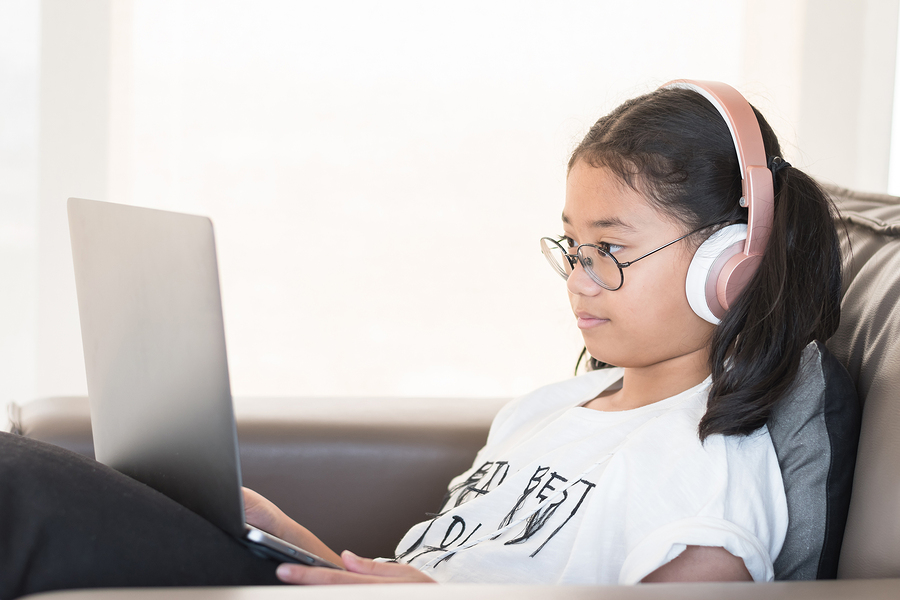
How much do your kids know about internet safety?
With more and more Australians getting access to high-speed internet, the likelihood of your children jumping online is inevitable. Our next generation is growing up with tablets, smartphones, and 24/7 internet access. Most 10-year olds probably know more about navigating the web than their parents. But this is a scary proposition for many parents. Online fraud, fake social media accounts, and predatory individuals online make internet safety a top priority.
Even though your children might be tech-savvy and mini-maestros on a tablet, they may not be aware of the threats and concerns of a highly unregulated online world. Here are some internet safety tips and tricks for you and your children.
For kids’ internet safety in Australia families can rely on in 2026, the goal is not to monitor every click. This is how to keep children safe online: combine practical settings, regular conversations and clear boundaries, so children know how to keep themselves safe online. These online safety children 2026 basics can help parents build safer habits as platforms and devices change.
1. Start discussing internet safety with your kids at an early age
As a parent, you should start discussing online safety with your children as soon as they begin to use the internet. It is also advisable to use the computer with your kids at this age instead of letting them use it independently. This gives you a chance to point out that there is a significant difference between the real world and the online world, and that they should be aware of the risks and safety precautions to take. You can also discuss the issue of passwords and internet security protection.
2. Be vigilant and try to monitor what you can
It is good practice to set passcodes for your devices that only you know – this way you will be aware whenever your children are online. Also, consider blocking certain sites that you deem risky so that your children don’t access them. As much as you explain the risks of malware and viruses, they might not grasp the seriousness. Most operating systems allow parental controls which include website restrictions, time limits, and controlling which apps can be opened.
Parental controls nbn router features may let you pause internet access for specific devices, create schedules or apply family-safe filtering. Available features vary by router, so check your router app or settings page before relying on them as your only safeguard.
3. Monitor their social media activity
Social media is a great way for your children to interact with their friends, but it can also be an internet safety issue. Depending on your children’s age, you may choose to get access to their social accounts so you can monitor who they are messaging and which followers/friends they accept. You can also become friends or followers with your children so you can keep up to date with their activity.
4. Encourage your kids to come to you for help
Try to develop an open and non-judgmental relationship with your children when it comes to their online activity. Encourage them to come to you if they ever have a problem, listen to their concerns, and do your best not to discipline or judge them. This kind of trust is hard to build but it will mean that you will be the first to know if your kids are in danger of cyberbullying or something worse. Even the best kids can accidentally go to a harmful site or unwittingly get manipulated by a stranger.
5. Maintain a boundary between online and offline
The lines between online and off for today’s children are becoming increasingly blurry, so it’s important for you as a parent to help establish boundaries. Educate your children about the things that are acceptable online, and reiterate that whatever they post is going to be there forever… there is no escaping it! Their online activity can greatly affect their safety, as well as their career prospects in the future.
6. Talk about AI tools and gaming platforms
AI chatbots, online games and social platforms can be useful for learning, creativity and connection, but they can also produce inaccurate, unsuitable or persuasive content. Explain that children should not share personal information, images, passwords or location details with a chatbot or an online contact. For TikTok safety for kids Australia families should review privacy settings together, keep accounts private where appropriate and revisit the platform rules as children get older.
Wrap up
Having parental controls on your computer and other devices at home might seem like a foolproof plan for maintaining internet safety for your children. But it doesn’t stop there.
Sure, these controls will help to some extent. But you also need to educate your children about the most appropriate online behaviours, help them understand the implications of their actions, and set them up for safe-surfing wherever they access the internet.
A safer digital home starts with clear rules, trusted conversations and a reliable connection that supports your household’s everyday needs. Explore MATE nbn plans to find a no-lock-in-contract internet option for your family.
Frequently Asked Questions
What parental controls can I set on my home router?
▼
How do I limit screen time on my child’s device?
▼
Is TikTok safe for kids under 13?
▼
What should I do if my child is being cyberbullied?
▼
Are AI chatbots safe for children to use?
▼
How do I set up child accounts on gaming consoles?
▼
What age should kids be allowed on social media in Australia?
▼


