eSIM vs Physical SIM: Complete Guide for 2026 (Plus Compatible Devices in Australia)
Mobile Phone & Internet Blog | MATE | 4 November 2025
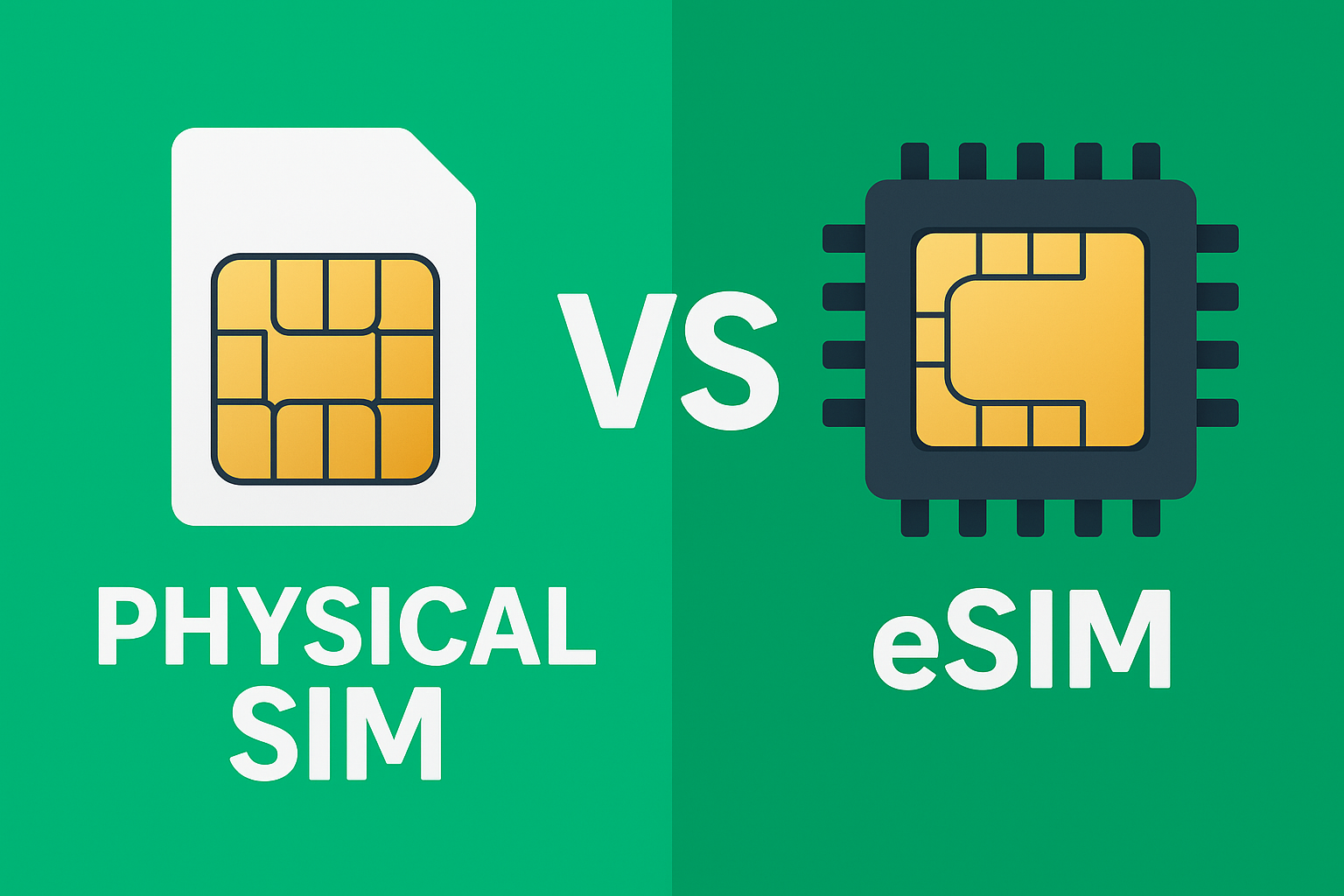
Everything you need to know about eSIM. What it is, how it compares to physical SIM cards, which Australian phones support it, and whether you should make the switch.
TL;DR – Quick Takeaways
- eSIM is a digital SIM built into your phone. There is no physical card to insert or swap
- Most iPhones from iPhone XS onwards support eSIM, plus recent Samsung, Google Pixel, and OPPO devices
- Benefits: faster activation, easier switching between carriers, can use two numbers on one phone
- Downsides: can’t quickly swap between phones, not all carriers support it, older phones don’t have it
- MATE supports eSIM. Get your QR code delivered instantly and activate in minutes
- Check if your phone supports eSIM: Settings → General → About → look for ‘Digital SIM’ or ‘EID’
What Is eSIM?
eSIM stands for ’embedded SIM’. Instead of a removable plastic card you slot into your phone, it’s a chip built directly into your device at the factory.
You still get a phone number, mobile data, calls, and texts, exactly like a physical SIM. The difference is how it’s activated:
- Physical SIM: Your carrier sends you a plastic card, you pop it in your phone
- eSIM: Your carrier sends you a QR code, you scan it, and the eSIM activates digitally
Think of it as downloading your SIM card instead of inserting a physical one.
eSIM vs Physical SIM: The Real Differences
Here’s an honest comparison:
| Feature | eSIM | Physical SIM |
|---|---|---|
| Activation speed | Instant (scan QR code) | 1-3 days (wait for SIM delivery) |
| Switching carriers | Easy (download new eSIM profile) | Need new physical SIM card |
| Swapping between phones | Requires deactivation and reactivation | Just move the SIM card |
| Dual SIM capability | Yes (eSIM + physical SIM on same phone) | Limited (need dual SIM phone) |
| Lost or damaged | Can’t physically lose it | Can be lost or damaged |
| Device compatibility | Newer phones only (2018+) | Works with all phones |
| Carrier support | Most major carriers (not all) | All carriers |
| International travel | Easy to add local eSIM without removing existing SIM | Need to swap SIM cards or use dual SIM phone |
Benefits of eSIM
1. Instant Activation
No waiting for a SIM card in the mail. Sign up, scan a QR code, and you’re connected within minutes. This is brilliant when you need service immediately.
2. Easier Carrier Switching
Want to try a different provider? Just download their eSIM profile. No waiting for new SIM cards, no fiddling with tiny plastic trays, no worrying about SIM size compatibility (nano vs micro vs standard).
3. Dual Numbers on One Phone
Most eSIM-capable phones let you run eSIM + physical SIM simultaneously. This means:
- Personal and work numbers on one device
- Keep your Aussie number active while using a local SIM overseas
- One phone, two separate data plans
4. Perfect for Travel
When you travel overseas, you can add a local eSIM for cheap data without removing your Australian SIM. Your home number stays active for calls and texts, while the local eSIM handles data.
5. Can’t Physically Lose It
Physical SIMs can fall out, get lost, or get damaged. eSIMs are built into your phone — they can’t physically disappear.
Downsides of eSIM (Let’s Be Honest)
1. Can’t Quickly Swap Between Phones
With a physical SIM, if your phone dies, you just pop the SIM into another phone and you’re back online instantly.
With eSIM, you need to:
- Deactivate the eSIM on the old phone
- Request a new QR code from your carrier
- Activate the eSIM on the new phone
This is annoying in emergencies. Keep a backup phone with physical SIM capability if this matters to you.
2. Not All Carriers Support eSIM
Most major Australian carriers support eSIM (Telstra, Optus, Vodafone, MATE), but some smaller MVNOs don’t. If you switch to a carrier without eSIM support, you’ll need to use a physical SIM.
3. Older Phones Don’t Have It
If you have a phone from before 2018, it probably doesn’t support eSIM. You’ll need a newer device to use eSIM.
4. Slightly More Complex Troubleshooting
When a physical SIM has issues, you can just remove it and reinsert it. With eSIM, you might need to delete and reinstall the eSIM profile, which is a bit more involved.
Which Devices Support eSIM in Australia?
Here are the mainstream phones and tablets available in Australia that support eSIM:
Apple Devices
| Device Type | Models |
|---|---|
| iPhone | iPhone XS, XS Max, XR, 11, 11 Pro, 11 Pro Max, SE (2nd gen & 3rd gen), 12, 12 mini, 12 Pro, 12 Pro Max, 13, 13 mini, 13 Pro, 13 Pro Max, 14, 14 Plus, 14 Pro, 14 Pro Max, 15, 15 Plus, 15 Pro, 15 Pro Max, 16, 16 Plus, 16 Pro, 16 Pro Max |
| iPad | iPad Pro 11-inch (all models from 2018+), iPad Pro 12.9-inch (3rd gen onwards), iPad Air (3rd gen onwards), iPad (7th gen onwards), iPad mini (5th gen onwards) |
Samsung Devices
| Series | Models |
|---|---|
| Galaxy S Series | S20, S20+, S20 Ultra, S21, S21+, S21 Ultra, S22, S22+, S22 Ultra, S23, S23+, S23 Ultra, S24, S24+, S24 Ultra |
| Galaxy Z Series | Z Flip, Z Flip 5G, Z Flip3 5G, Z Flip4, Z Flip5, Z Flip6, Z Fold2 5G, Z Fold3 5G, Z Fold4, Z Fold5, Z Fold6 |
| Galaxy A Series | A54 5G, A55 5G (note: not all A-series support eSIM) |
Google Pixel Devices
| Models |
|---|
| Pixel 3, 3 XL, 3a, 3a XL, 4, 4 XL, 4a, 4a 5G, 5, 5a 5G, 6, 6 Pro, 6a, 7, 7 Pro, 7a, 8, 8 Pro, 8a, 9, 9 Pro, 9 Pro XL |
OPPO Devices
| Models |
|---|
| Find X3 Pro, Find X5, Find X5 Pro, Find X6 Pro, Reno 5A, Reno 6 Pro 5G, Reno 10 Pro+ |
Motorola Devices
| Models |
|---|
| Razr (2019), Razr 5G, Razr (2022), Razr 40, Razr 40 Ultra, Edge+, Edge 40 Pro |
Important: Not all variants of these models support eSIM. Some regions get different versions. If you bought your phone outside Australia, check with your manufacturer to confirm eSIM support.
How to Check If Your Phone Supports eSIM
Even if your model is on the list above, it’s worth checking your specific device:
On iPhone
- Go to Settings
- Tap General
- Tap About
- Scroll down and look for ‘Digital SIM’ or ‘EID’
- If you see a long number (32 digits), your phone supports eSIM
On Android
- Go to Settings
- Tap Connections (Samsung) or Network & Internet (Google/others)
- Tap SIM card manager or SIM manager
- Look for ‘Add eSIM’ or ‘Download SIM’ option
- If you see this option, your phone supports eSIM
Alternative Method: Dial Code
On most phones, you can dial *#06# and if an EID number appears, your device supports eSIM.
How to Set Up eSIM with MATE
Setting up eSIM on MATE is straightforward:
- Sign up for a MATE mobile plan: Choose eSIM during checkout
- Receive your QR code: MATE emails you a QR code instantly after signup
- Scan the QR code: Open your phone’s camera or eSIM settings and scan the code
- Follow prompts: Your phone will guide you through activation
- You’re connected: Within minutes, your eSIM is active and working
Full step-by-step instructions are available on MATE’s eSIM setup page.
Should You Choose eSIM or Physical SIM?
Here’s the honest breakdown:
Choose eSIM if you:
- Want instant activation (no waiting for SIM delivery)
- Travel frequently and want dual SIM capability
- Like the convenience of digital setup
- Have a newer phone (2018 onwards)
- Want to run two numbers on one device
Choose physical SIM if you:
- Frequently swap SIMs between phones (backup devices, testing, etc.)
- Have an older phone that doesn’t support eSIM
- Prefer something tangible you can physically move around
- Want maximum compatibility (works with all phones)
Both work exactly the same once activated. Same coverage, same speeds, same features. It’s purely about setup and convenience.
Frequently Asked Questions
Can I switch from eSIM back to physical SIM?
Yes. Contact MATE and we’ll send you a physical SIM card. You’ll deactivate your eSIM and activate the physical SIM when it arrives. There’s no penalty for switching.
Does eSIM cost extra?
No. eSIM and physical SIM cost the same on MATE plans. There’s no premium for using eSIM.
Can I have both eSIM and physical SIM active at once?
Yes, if your phone supports dual SIM. Most eSIM-capable iPhones and Samsung phones let you run one eSIM and one physical SIM simultaneously. This is great for having a personal and work number on one device.
What happens if I lose my phone with eSIM?
Contact MATE immediately. We’ll suspend your service to prevent unauthorised use. When you get a new phone, we’ll issue a new eSIM QR code to activate on your replacement device.
Can I transfer my eSIM to a new phone?
You can’t physically transfer an eSIM like you would a physical SIM card. Instead, you deactivate the eSIM on your old phone and contact your carrier for a new QR code to activate on your new phone. With MATE, this process is quick — usually same-day.
Does eSIM work overseas?
Yes. Your MATE eSIM works internationally exactly like a physical SIM (roaming charges apply as normal). The advantage of eSIM overseas is you can add a local eSIM for data while keeping your Aussie number active.
Can I keep my phone number when switching to eSIM?
Absolutely. When you sign up to MATE with eSIM, you can port your existing number just like you would with a physical SIM. The porting process is identical.
What’s an EID number?
EID stands for ‘eSIM Identifier’ — it’s a unique 32-digit code that identifies your device’s eSIM chip. Think of it like a serial number for your eSIM. You can find it in Settings → General → About on iPhone, or Settings → About Phone on Android.
Do all Australian carriers support eSIM?
Most major carriers do — Telstra, Optus, Vodafone, and MATE all support eSIM. Some smaller MVNOs don’t offer eSIM yet. Always check with your specific carrier before assuming eSIM availability.
Can I delete an eSIM profile?
Yes. You can delete eSIM profiles from your phone’s settings whenever you want. This is useful if you’re switching carriers or no longer need that particular eSIM. Just go to Settings → Cellular/Mobile Data → select the eSIM → Remove/Delete.
How many eSIMs can one phone hold?
Most phones can store multiple eSIM profiles (often 5-10), but you can only have 1-2 active at any time. For example, iPhone lets you store 8+ eSIMs but only use 2 simultaneously (1 eSIM + 1 physical SIM, or 2 eSIMs on iPhone 13 and newer).
Is eSIM more secure than physical SIM?
Arguably yes. eSIMs can’t be physically stolen from your phone (SIM swap fraud is harder). However, both are vulnerable to account takeover attacks if someone gains access to your carrier account. Use strong passwords and two-factor authentication on your carrier account regardless of SIM type.
What happens to my eSIM if I factory reset my phone?
Factory reset deletes your eSIM profile. You’ll need to contact your carrier for a new QR code to reactivate. Before factory resetting, check if your phone offers eSIM backup (some newer iPhones can transfer eSIM to a new device via iCloud).
Can I use eSIM with prepaid plans?
Yes. MATE offers eSIM on both prepaid and postpaid plans. eSIM works the same regardless of your plan type.
Does eSIM drain battery faster?
No. eSIM and physical SIM use the same amount of battery. The only scenario where you might notice increased battery drain is if you’re running dual SIM (eSIM + physical SIM), because your phone is maintaining two active connections.




