You can view your mobile data usage, data banking and call records anytime using the myMATE app or the self-care portal.
Follow the steps below to find your service usage and call history.
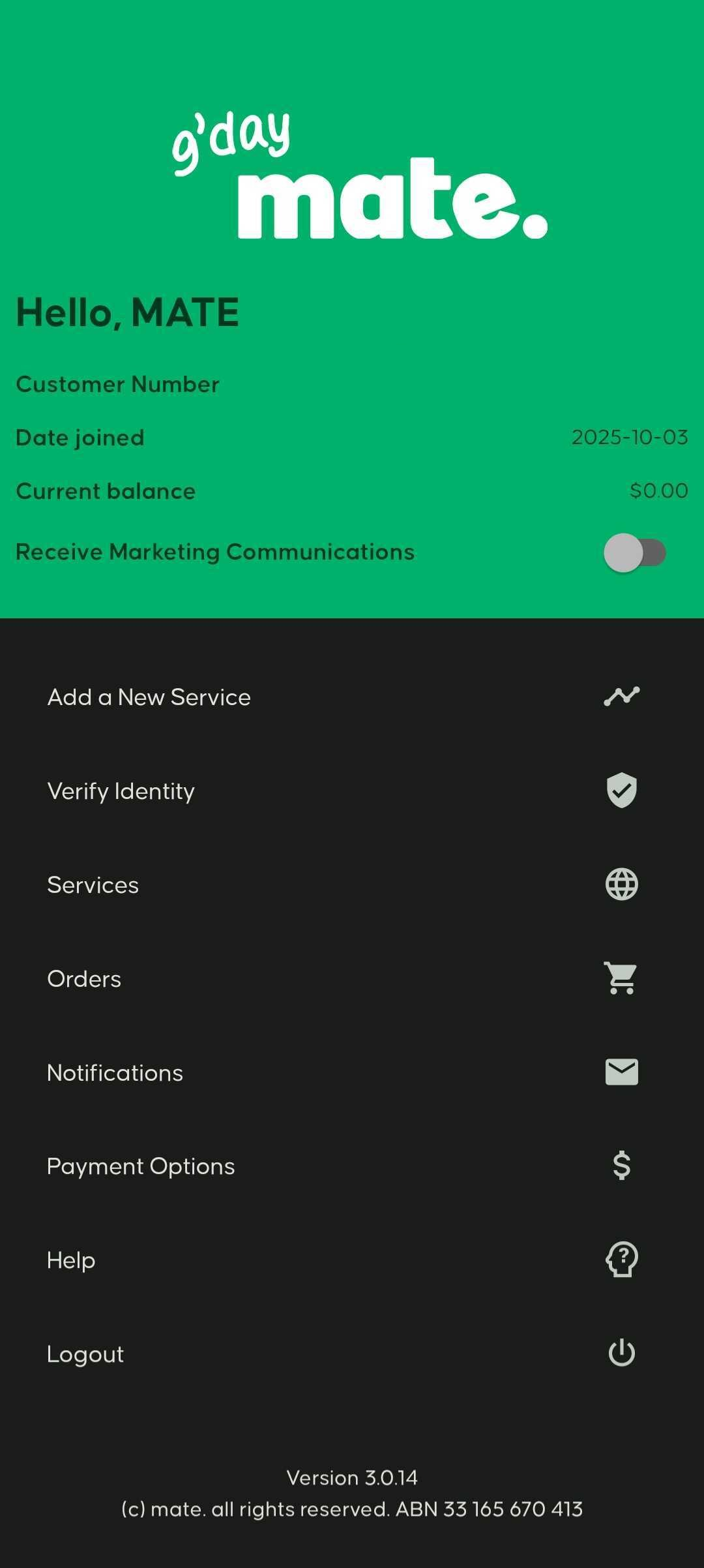
Step 1: Open Services
Log in to the myMATE app or self-care portal and select Services.
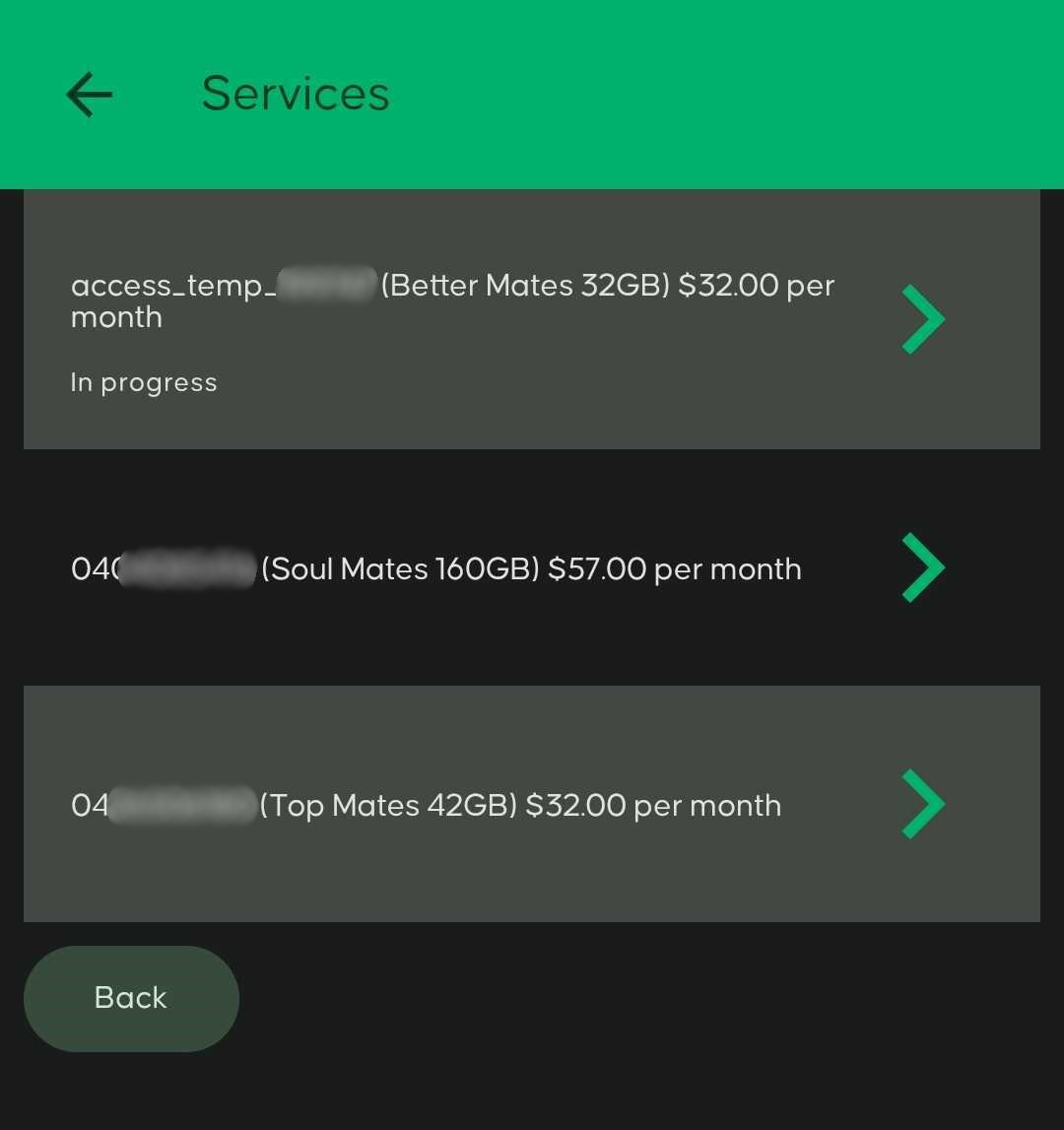
Step 2: Select your service
You will see a list of services linked to your account. Select the mobile service you want to check.
Step 3: Review your service summary
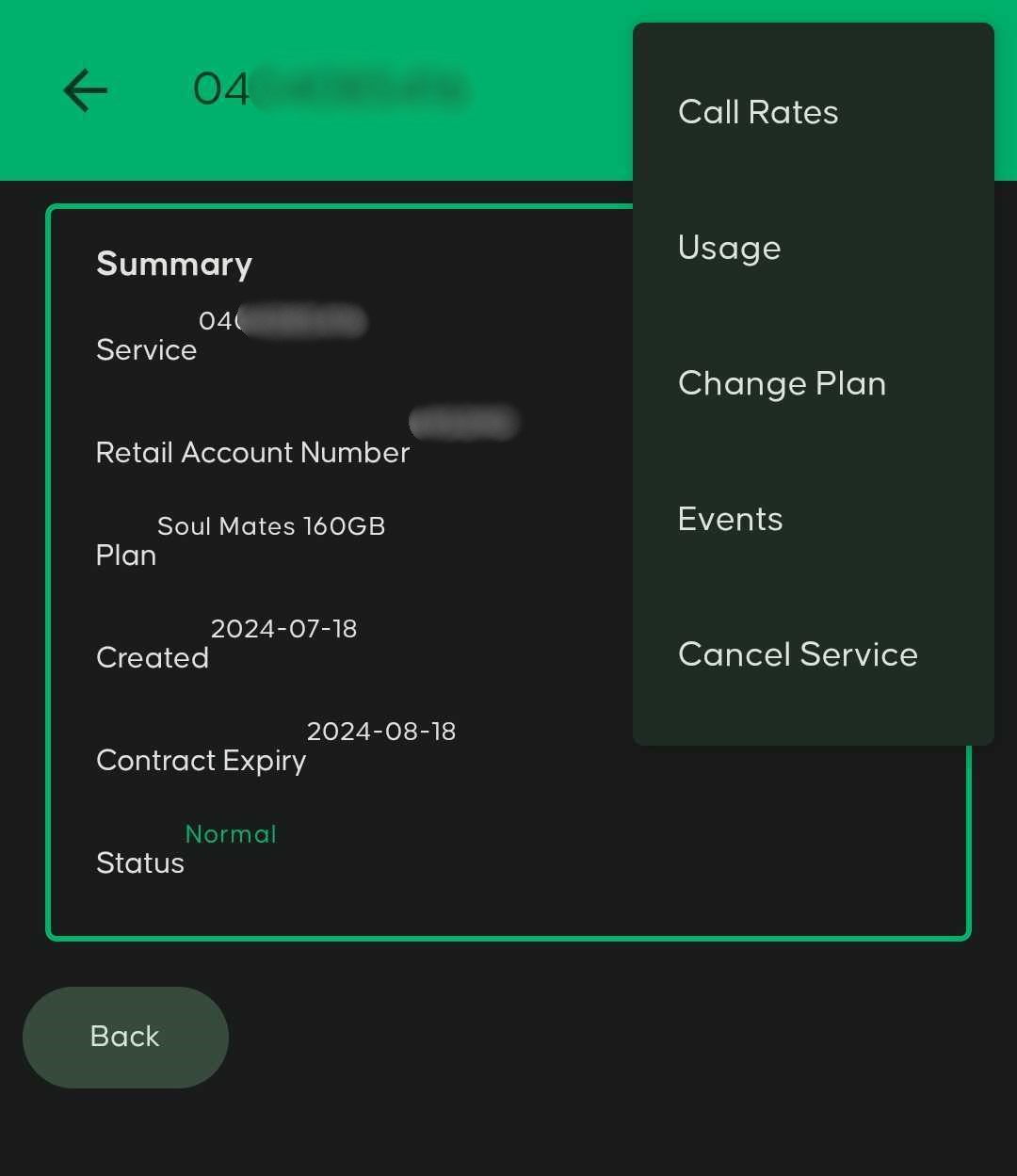
The service summary page shows key details about your mobile service:
- Mobile number – the number linked to the service
- Retail Account Number (RAN) – the account number associated with the service. This is the number you can provide if you are porting the service to another provider.
- Plan – the name of your current mobile plan
- Created – the date the service was activated
- Contract expiry – this is not your data reset date
- Status – should display Normal when the service is active
To view usage details, select the three dots (⋯) in the top right corner and choose Usage.
Step 4: View usage details
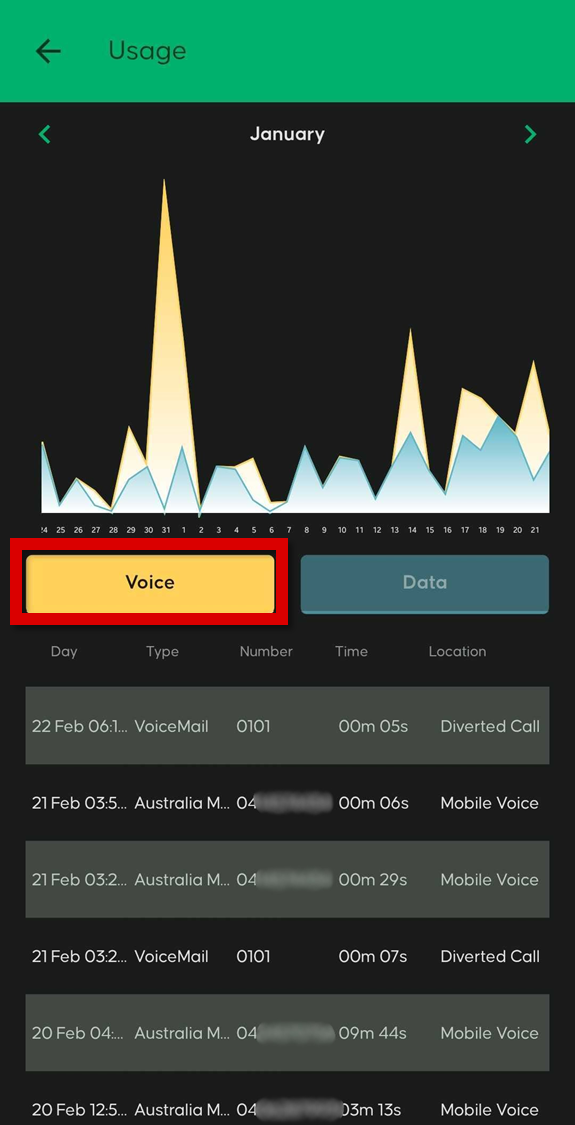
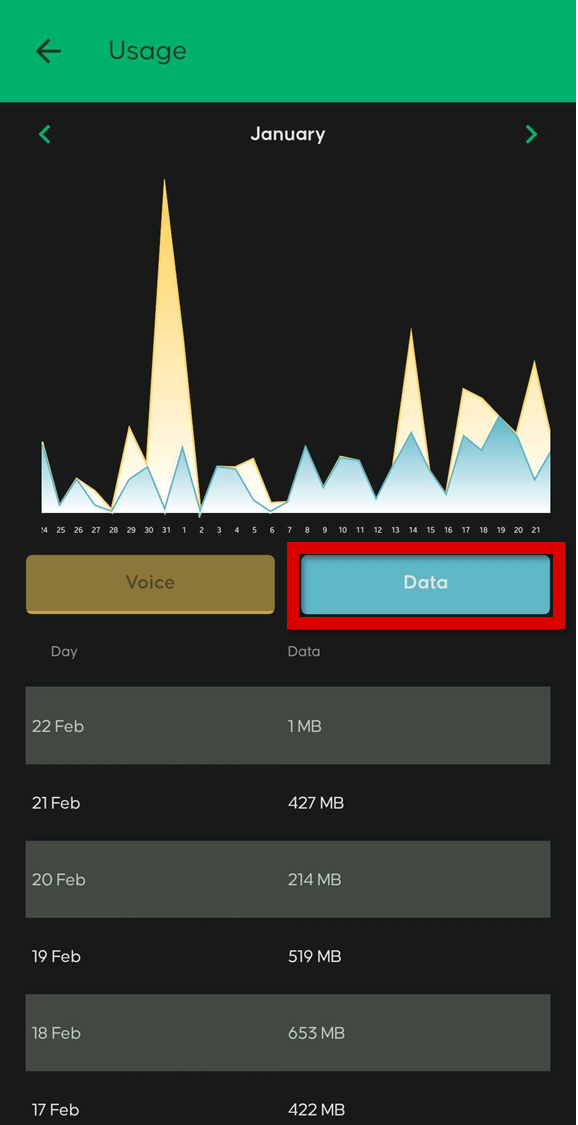
On the usage page you can switch between different usage types.
- Voice – shows your call history and call records
- Data – shows your mobile data usage
Voice usage example:
Data usage example:
💬 Need help? If you’re having trouble finding your usage details, contact our support team and we’ll be happy to help.


