Good news, all our payment methods are surcharge-free!
What payment methods can I use?
For new customers, we accept credit or debit cards: Visa, Mastercard and American Express (AMEX).
All cards must be Australian issued. We don’t accept prepaid or gift cards, BPAY, PayPal, Centrepay, bank transfers or invoice payments.
What if I already pay by direct debit from my bank account?
Some existing customers may still have direct debit from a bank account set up as a legacy payment method.
If you currently pay this way, you can keep doing so.
Are there any payment surcharges?
No. From 1 October 2026, we don’t charge a surcharge on any payment method.
Dishonour fees may still apply if a payment is unsuccessful:
- Credit or debit card: $0.70 per failed transaction
- Bank account direct debit: $1.00 per failed transaction
How can I update my payment method?
💻 Online (self-care portal)
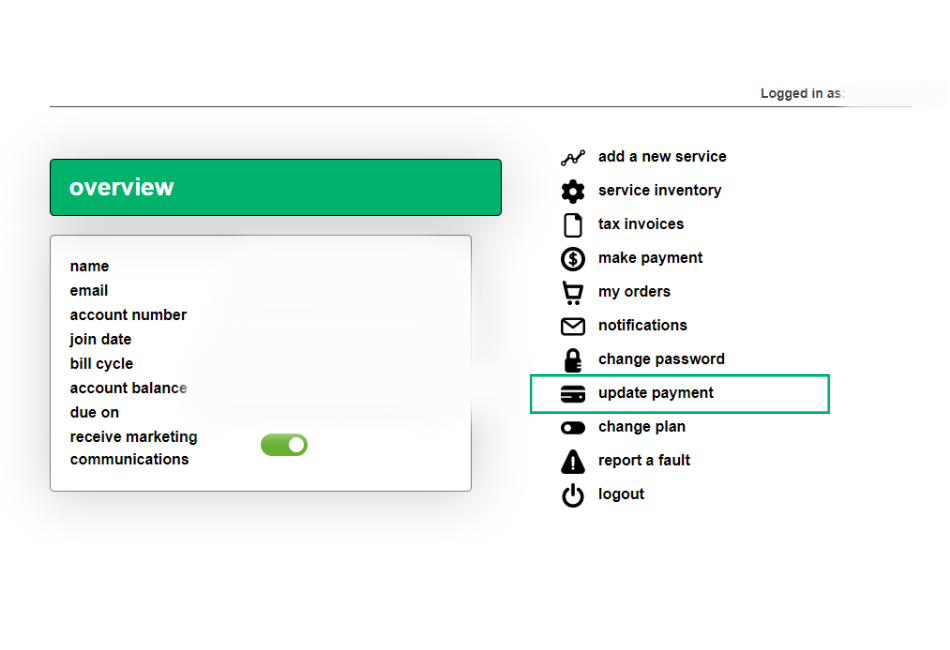
Log in to the MATE self-care portal and click Update payment to update your card details.
📱 myMATE app
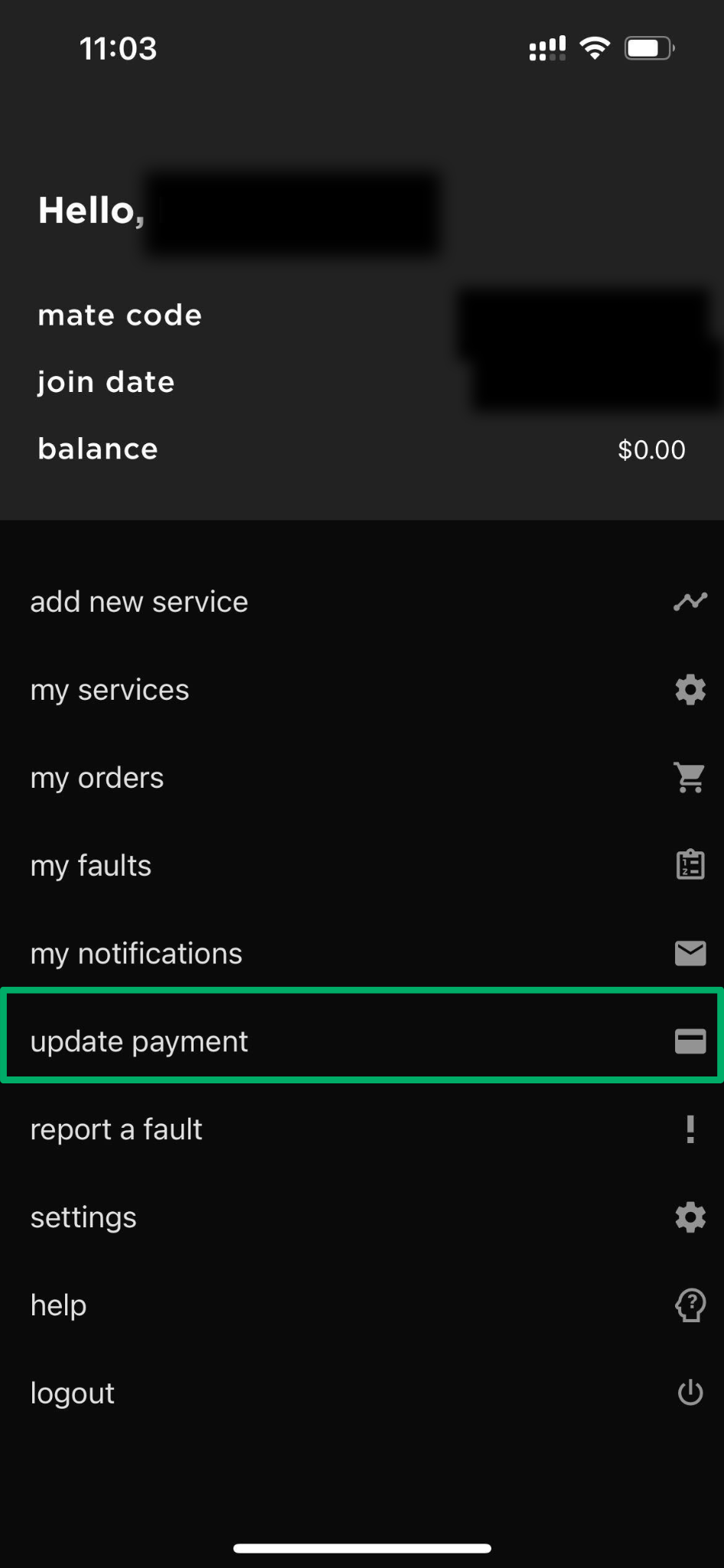
Open the myMATE app and tap Update payment to update your card details.
📞 By phone
You can also update your card details over the phone by calling us on 13 14 13 and following the prompts.


