Need to update your payment details? Easy — you can do it in a few different ways.
💻 Self-care portal (best on desktop)
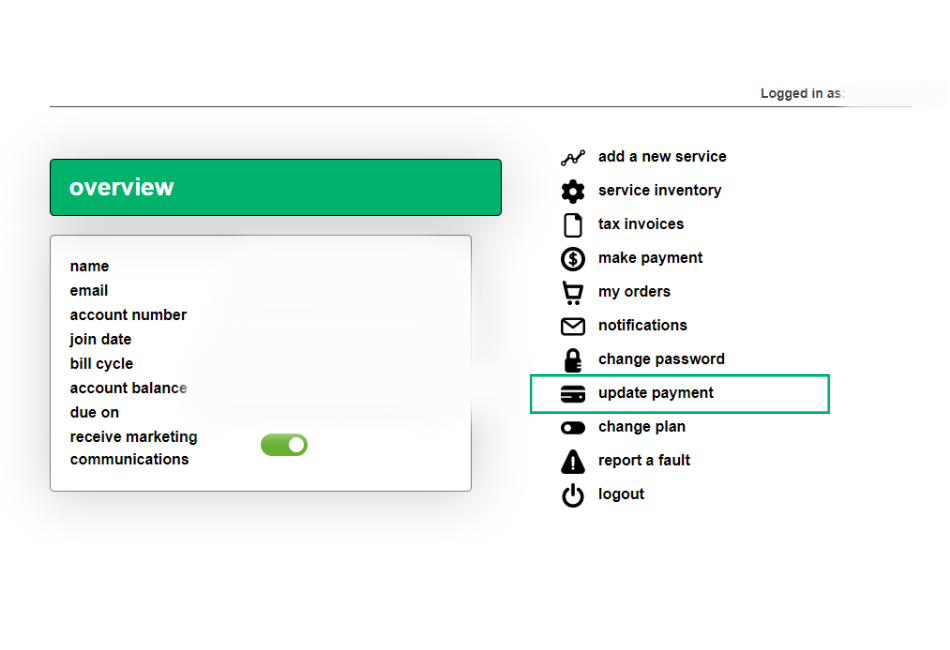
Log in to the self-care portal and click update payment.
📱 myMATE app (best on mobile)
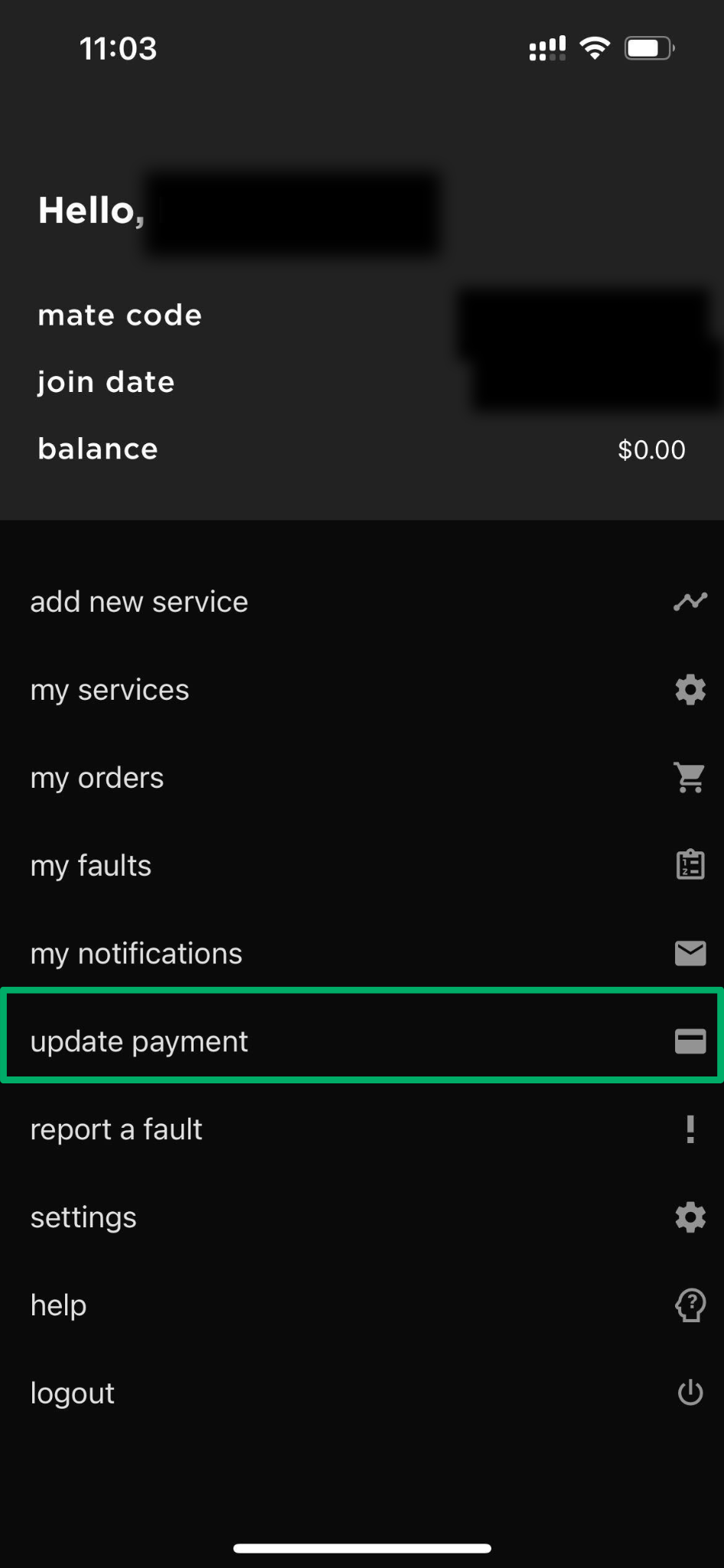
Log in to the myMATE app and tap update payment.
📞 By phone
Call 13 14 13 and follow the prompts to update your credit card details.
Note: You’ll need your MATE code and password to log in.
Forgot your password? No worries — reset it here.
💡 Tip: Using the app or self-care portal is the quickest way to update your details anytime.
💬 Need help? Having trouble updating your details? Get in touch with us.


